
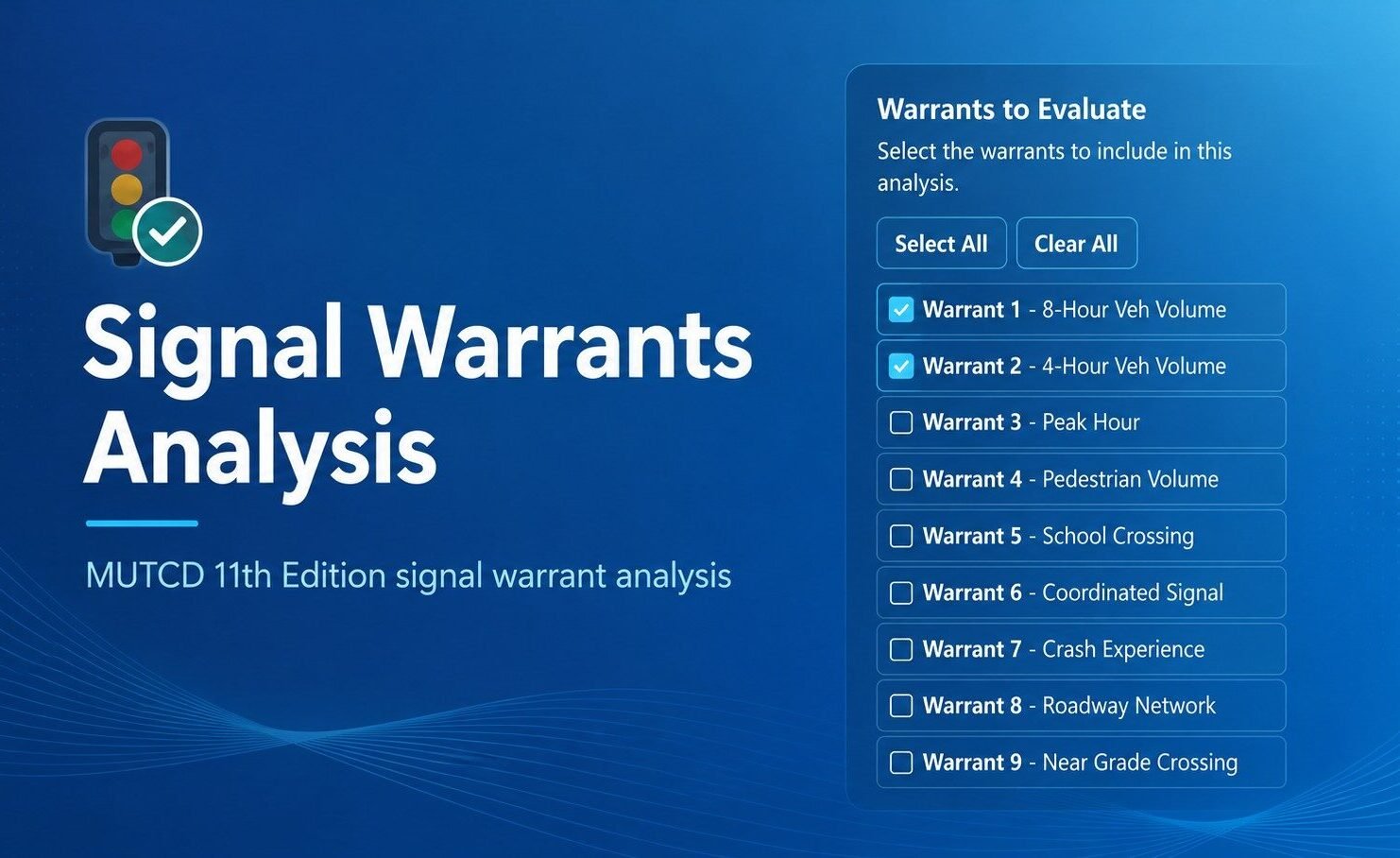
Why I Built the App
I did not start this project because I needed another software tool. I started it because I was frustrated with the one I was already using.
For signal warrant evaluations, I had been using the MUTCD Warrants Module in the HCS 2025 suite. I did not enjoy working with it. The software had real limitations for the way I wanted to conduct the analysis. The number of hours felt constrained, it could not evaluate rolling hours the way I wanted, and the overall user interface was not inviting.
It felt like the kind of software you pay for because you have to, not because you like using it.
That frustration became a major source of motivation. I began thinking about how the process could be cleaner, more transparent, and more pleasant to use.
I have always liked coding and automation, even though software development is not my primary professional identity. As tools such as Codex, Claude Code, and other AI-assisted development workflows became more accessible, the barrier to building something useful became much lower.
I had built a few small apps and enjoyed the process. Eventually, I decided there was no excuse not to build something directly connected to my work.
I wanted to solve a problem I actually had. If I was experiencing these issues with existing signal warrant software, other engineers probably were too. That made the idea feel more useful. I also liked the idea of making the app free instead of putting another basic engineering workflow behind paid software.
That was the beginning of the Signal Warrants app.
Starting with the Rules Engine
The first decision was to focus on the rules engine before the interface. The app could not simply look good. Its logic had to be technically defensible.
Development began with Warrant 1, the Eight-Hour Vehicular Volume warrant. That immediately raised detailed questions:
- How should reduced thresholds be handled?
- When should the 70 percent thresholds apply?
- How should the 80 percent combination threshold be displayed?
- Should right turns from the minor street be included or excluded?
- How should the user identify the major and minor streets?
These were not cosmetic details. They directly controlled the result.
One principle became clear early in development: the app should keep warrant status separate from engineering judgment. It can report whether a warrant is met under the selected assumptions. It should never imply that meeting a warrant automatically means a signal should be installed. It should also avoid suggesting that an unmet warrant ends the engineering evaluation.
Handling Hourly Volumes
Hourly volume logic became one of the first major technical challenges.
Traffic count data often come in 15-minute intervals, but the warrants evaluate hourly volumes. The app could not simply group records into fixed sets, such as records 1 through 4, then 5 through 8.
That method would have been easy, but it would not have been sufficient.
The analysis needed to consider actual time continuity, rolling-hour periods, and whether selected hours overlapped. These requirements affected both the calculation logic and the way the app explained the results.
Designing the Interface Around the Analysis
The user interface came after the core logic, but the two remained closely connected.
The app needed to accommodate:
- An intersection diagram
- Street names
- Major- and minor-street assignments
- Lane counts
- Speed inputs
- Volume tables
- Threshold results
- Report output
Each feature created additional technical and usability questions.
The early version assumed a standard four-leg intersection with NB, SB, EB, and WB approaches. That structure worked for many cases, but it did not address every situation.
What about a three-leg intersection? What if a major-street left-turn movement should be evaluated using a separate MUTCD-permitted approach?
Rather than trying to solve every possible configuration immediately, I documented those needs for future development and continued one step at a time.
Much of the work involved small, repetitive improvements. The count table needed to be easier to use. The time column needed to remain visible. Numeric fields needed to be smaller and cleaner.
I also wanted the results to display the warrant status first. The app should not show confusing “satisfied by” language when the warrant is not satisfied.
Learning a Better Development Workflow
I also had to learn how to manage the development process itself.
Broad prompts often wasted time and consumed unnecessary AI usage. Over time, I developed a more controlled workflow:
- Think through the logic first.
- Create a Git branch.
- Use a narrow development prompt.
- Review the resulting change.
- Run tests.
- Commit the work.
- Open a pull request.
- Address review comments.
- Merge the change.
I am not sure this is the best possible workflow, but it worked.
It was not fast in the flashy sense. It was controlled, which helped prevent the app from becoming a collection of disconnected changes.
More advanced systems can now automate much of this pipeline. Agents can coordinate development, testing, review, and revision. I still completed many of those steps manually because I was learning as I went.
One step at a time.
Testing, Questioning, and Revising
There were plenty of issues along the way.
Sometimes the sample data did not behave as expected. For example, a Warrant 4 sample showed pedestrian volumes, but vehicle volumes remained at zero. That made the result appear suspicious and required further review.
For Warrant 7, I questioned whether the crash history section repeated too much information. I revised the display to make angle-crash and pedestrian-crash information clearer.
Other questions involved interpretation.
At one point, I asked whether ten fatal crashes at an intersection would automatically satisfy Warrant 7. That question forced the logic back to the actual warrant criteria.
Severe crashes clearly matter, but the warrant still includes defined conditions. The app needed to follow those criteria rather than react only to the seriousness of the crash history.
My questions also changed as the project advanced.
At first, they were broad:
- How should the warrants be structured?
- What should the order of operations be?
- How should the app present its logic?
Later, the questions became much more specific:
- Does the report language match the analysis?
- Which field should control this result?
- Where should this threshold appear?
- Is this label misleading?
Learning to Guide the Work
I am not a software engineer, but I became better at directing the development process.
I learned to move from saying, “This feels wrong,” to identifying the exact behavior that needed to change.
The app eventually grew beyond Warrant 1. Each additional warrant introduced new questions and technical problems.
Then came the finishing details. They had little to do with warrant calculations, but they still mattered.
Those details reinforced an important lesson: building an app does not end when the calculations work. A shared tool must also be understandable, presentable, and easy to use.
I worked on the user interface throughout development, but the overall user experience mattered just as much.
The process was not smooth. GitHub reviews identified layout issues. Some branches required careful handling. Certain ideas had to be postponed, and several features needed to be revised or rebuilt.
At times, even the development conversation became slow enough that starting a new conversation was the most efficient way to continue.
The Real Development Process
The real process looked like this:
Build, test, notice something wrong, rethink it, revise it, and test again.
The app is still not perfect, at least from my perspective.
I already know several areas need further improvement, including:
- Better support for three-leg intersections
- More explicit active-approach modeling
- A Warrant 1 threshold evaluation matrix
- Additional QA for lane-category interpretation
More issues will probably emerge as engineers use the app on real examples.
What the Project Means to Me
The important point is that the app exists now.
It began as a practical idea based on a real professional need. Step by step, it became a functioning web application.
The project required time, detailed questions, technical judgment, and many small corrections. I did not know everything at the beginning. I had to learn enough to continue moving forward, and I expect that process will continue.
I am proud of the result. Not because the signal warrants app is perfect or because it replaces established engineering practice.
I am proud because I started something useful, stayed with it through the messy parts, and completed a tool that can help me and other transportation professionals.
Leave a Reply